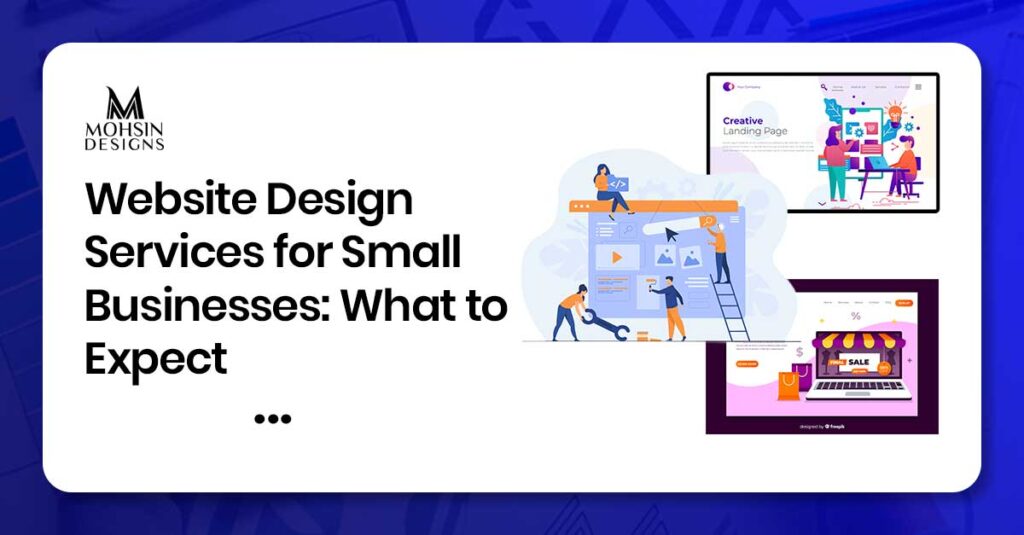
Choosing professional website design services for small business is the smartest way to turn online visitors into paying customers. When people need a local service, they open Google to find a business they can trust. Your website is your digital storefront. It needs to look clean, load fast, and show that you do great work.
If your site is hard to use, people will click away and call someone else. A helpful website does not need to be fancy. It just needs to give clear information and make it easy for people to contact you.
Let us look at exactly what you should expect when hiring a pro team to build your site.
SEO Services for Roofers: What Should Be Included?
Why Small Businesses Need a Professional Website
A good website acts as a reliable helper for your business every single day. Many owners think a social media page is enough. In reality, a social media page does not belong to you, and it cannot organize your services cleanly.
A professional site helps you in two major ways:
- It proves you are real: Customers feel safer when they see a dedicated site with real photos and clear contact details.
- It answers questions early: If people can find your prices, service area, and hours online, your team spends less time answering the same phone questions.
What Website Design Services for Small Business Include
In the case of professional service payments, you get not only the visually pleasing page, but everything else is also included in a full-fledged set. A basic package will always consist of the following:
- Custom Layout Design: Designing layout with your brand colors and logos.
- Mobile Framework: Ensuring that the layout looks great on a computer as well as smartphone screens.
- Basic Technical Launch: Purchasing the domain, ensuring the site security and launching the site online.
Small Business Web Design Services That Build Trust
To get customers, your site must build confidence quickly. High-quality small business web design services focus heavily on real proof instead of fake stock images. People can spot a fake office photo instantly, and it makes your business look dishonest.
Your design team should help you highlight your real crew, your branded trucks, and your actual workspace. Showing real faces makes your business feel human, welcoming, and safe to hire.
Business Website Services That Help Generate Leads
The beauty of a website is meaningless without bringing in any business. Top-notch business website builders make sure to create a layout that gradually pushes their visitors towards making a phone call or writing an email.
The buttons calling for actions need to be placed on the top corner of the screen by your builder. The button needs to be in a color that would stand out against the other elements of the website. The forms need to be kept short enough for the customers to request a quote within 60 seconds.
Website Features and Why They Matter
Understand the process and core purpose of this guide in this summarised table
| Website Feature | Core Purpose | Customer Benefit |
| Click-to-Call Button | Connects phone users instantly | Saves time when a customer is in a rush |
| Real Crew Photos | Shows the human side of your brand | Helps neighbors feel safe hiring you |
| Simple Quote Forms | Collects job details online | Allows people to reach out late at night |
| SSL Security Certificate | Encrypts personal data | Keeps credit cards and emails safe |
Step-by-Step Timeline: From Planning to Launch
Week 1 – 2
Talk with your designer about your business goals. Gather your logo, real photos, and a list of the services you offer.
Week 3 – 4
Look at the initial blueprint drawings of your pages. Approve the colors, text sizes, and where the buttons will sit.
Week 5 – 6
The team builds the actual pages, hooks up the quote forms, and optimizes the site to make sure it loads fast.
Week 7
Test every form and link on different smartphones. Push the new site live on Google once everything works perfectly.
Homepage Design and Clear First Impression
The homepage has one primary function. This is making it clear to the visitor what you do, where you do it, and how to hire you within three seconds of landing on your page. If the visitor has to wonder where you provide your services, they will abandon your page.
Leave the top section clean and uncluttered. Use a big headline with your exact trade name, for example “Residential Plumbing in Austin.” Directly under this headline, place an eye-catching button with “Get a Free Quote” or “Call Us Now.”
Service Pages That Explain What You Offer
Do not bundle all your services onto a single page. Give each major service its own dedicated sub-page so your text can go into helpful detail. When writing these pages, answer the exact questions your customers ask in real life:
- What is it? Explain the service using simple words that anyone can understand.
- Why do I need it? Describe the problem you are fixing, like a leaky roof or an old electrical panel.
- How much does it cost? You do not need to show exact numbers, but giving a general price range builds great trust.
Mobile-Friendly Design for Local Customers
Most local searches happen on mobile phones while people are on the move. If your site does not automatically adjust to fit a phone screen, you are missing out on local jobs.
Text must be large enough to read without pinching the screen. Tap targets and buttons must be spaced out so thumbs do not hit the wrong link by mistake. A mobile-responsive framework ensures your business looks professional on any device.
Contact Forms, Quote Forms, and Call Buttons
Make contacting you the simplest thing on the web. While some people enjoy dialing up and chatting with another person, others like typing a short message during their lunch time.
Place the “Click-to-Call” link on the top of the mobile version so that the person could dial your office in just one click. Quote forms should be kept down to only four simple fields – name, phone, e-mail, and work description.
Local SEO Setup for Better Google Visibility
The best-looking site will not make any money for your pocket if it’s not found via the search engines. In order to draw traffic locally, a well thought-out content strategy is essential.
Your content strategy should use the name of your city in an organic way in your headlines and text. Your team should also assist you in setting up your structured data in order for Google to know your address and your category.
Success online always takes time and relies mostly on your local competition and content depth.
Website Speed, Security, and Technical Setup
The technical health of your site determines whether Google will recommend you to local searchers. If your pages take more than three seconds to open, your traffic drops significantly.
Your design crew must optimize all image file sizes so they do not clog up internet browsers.
They must also install a secure connection, which shows up as a little padlock icon next to your URL. This protection keeps user messages secure and tells search engines that your site is safe to visit.
Branding, Photos, Reviews, and Trust Signals
Your website should tell the unique story of your local business. Displaying your official business logo prominently reinforces your identity and makes you look established.
Key Trust Builders to Include:
- Five-Star Customer Reviews: Paste text reviews from local clients directly onto your main pages.
- Before-and-After Galleries: Show side-by-side pictures of your completed cleanups, builds, or repairs.
- Local Association Badges: Display logos from your local Chamber of Commerce or the Better Business Bureau.
Common Small Business Website Mistakes to Avoid
Many business owners make identical design errors when building their first site. Knowing these pitfalls will save you from wasting your marketing budget.
- Using Background Music: Music that plays automatically annoys users and makes them leave your site instantly.
- Hiding Your Location: Forcing users to dig through your text just to see if you travel to their town causes massive frustration.
- Using Wall-to-Wall Text: Giant blocks of text are very hard to scan on mobile phones. Break your points into short bullet lists instead.
When to Hire a Professional Website Design Team
Working for a local business demands all of your energy on a daily basis. It becomes extremely hard to try to learn complicated coding languages, image optimization, and data security regulations during your free time.
Collaborating with professionals will save you a lot of time and avoid potential errors in the development process. A specialist understands how to create the proper formatting of forms, write code according to Google standards, and make your website work perfectly on any smartphone.
Now you can concentrate on your work while the website brings new customers to you.
Conclusion
A great website is a powerful long-term asset that grows alongside your business. Real results do not happen overnight. Your digital success depends on your site quality, helpful content, local search optimization, and regular platform updates.
By focusing on a clean layout, fast loading speeds, and simple booking forms, you make it easy for your community to choose your business. Keep your text simple, use real photos, and always put the needs of your customers first.
Frequently Asked Questions
How much does a professional website cost for a small business?
The cost depends entirely on the size of your site and the features you need. Simple local service sites cost less, while larger sites with custom booking systems require a higher
investment.
Can I update the website content myself after it is launched?
Yes, most design teams build sites using easy systems like WordPress. They will show you how to change text, edit your hours, and upload new project photos easily.
Do I need to buy my own domain name and web hosting?
Yes, you will need to pay for a domain name and web hosting every year. Your design team can help you pick the safest and fastest hosting plan for your budget.
How long does it take a professional team to build a website?
A standard business website usually takes anywhere from four to eight weeks to finish. The timeline depends on how fast you can share your photos and text with the team.
Will a new website automatically rank number one on Google?
No, a new design does not guarantee top rankings right away. Your visibility depends on your ongoing local search optimization, your local competition, and the quality of your content.
Can I use photos I found on Google Images for my site?
No, using images from Google search without permission is illegal and can cause copyright fines. Always use your own real photos or buy legal stock images.
What is an SSL certificate and why does my business need it?
An SSL certificate encrypts the data sent between your visitor and your website. It adds a
padlock icon to your browser bar and keeps customer forms safe.
Do I really need separate pages for every service I offer?
Yes, creating separate pages makes it much easier for Google to read your site. It also helps customers find the exact solution they need without getting confused.
What should I do if my business website stops working?
Most professional design agencies offer monthly maintenance plans to help you. They will monitor your site, run software updates, and fix any sudden bugs.
How many fields should I include in my online contact form?
Keep your forms limited to three or four simple fields for the best results. Asking for too much information upfront causes users to get annoyed and quit.